Product Update: Generate Custom Images Automatically Inside Your Workflows
Your Workflows Can Now Create Images — Not Just Move Them
Until now, every image in your automations had to be uploaded ahead of time. You chose it, stored it, and referenced it — manually. That works fine when your content is static, but it breaks down the moment you need something personalized, time-sensitive, or unique to each contact.
That constraint is gone. Attractzen workflows now include an AI Image Generation action that creates a brand-new image on the fly, stores it automatically, and passes the URL forward to whatever comes next in your sequence.
What This Means for Your Business
Think about what your team does today when a campaign needs a custom visual. Someone writes a brief, a designer creates it, it goes through review, gets uploaded, and eventually lands in a workflow — days or weeks later. The AI Image Generation action collapses that entire process into a single workflow step that runs in seconds.
Here's what you can do with it:
- Personalized email visuals — generate a unique image for each contact based on their name, location, or stage in your pipeline
- Automated social content — build a workflow that creates and posts a branded image without a designer in the loop
- Dynamic promo materials — spin up product mockups, promo flyers, or lifestyle images at scale, tailored to your offer
- Custom SMS attachments — attach a freshly generated image to a text message as part of a nurture sequence
How It Works
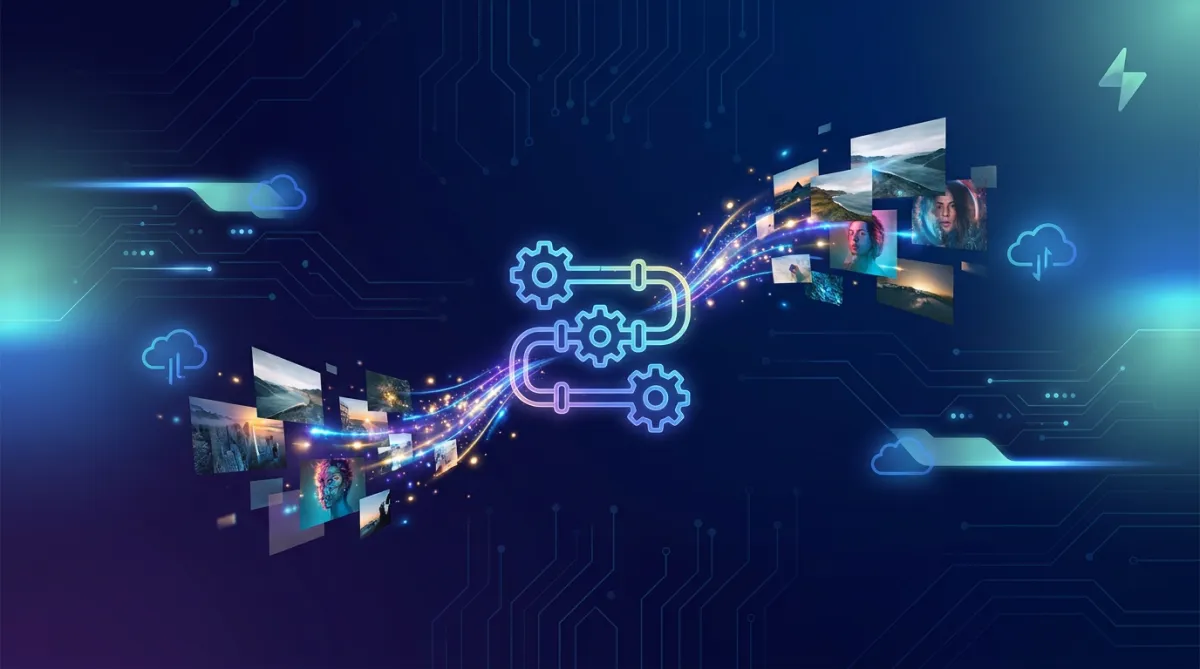
Add the AI Image Generation action to any workflow inside Attractzen. Write a prompt — or pull the prompt from a contact field, a webhook payload, or an earlier workflow step. The action sends the prompt to an AI image model, gets back a finished image, saves it to your Media Storage, and returns an Image URL variable you can use immediately in the next action.
Key options available inside the action:
- Multiple AI models to choose from depending on your quality and speed needs
- Quality settings — Auto, High, Medium, or Low — so you control the balance between output quality and cost per execution
- Prompt enhancement — one click expands a short prompt into a detailed one if you want more precision without writing a long prompt yourself
- Templates — start from Product Mockup, Social Post, Promo Flyer, or Lifestyle to get to a working image faster
- Design Kit and Brand Voice — apply your brand settings so the generated image stays on-brand automatically
- Size, background, and format controls — configure the output to match the channel where the image will be used
One Prompt, Infinite Variations
Because the prompt can come from your contact data, a single workflow can produce a completely different image for every person who moves through it. That's the difference between automation that feels generic and automation that feels like it was built for that specific person.
Your generated images are stored at a public URL in Media Storage. Anyone with the link can open it — keep that in mind if your prompt includes personal contact information.
Pricing to Know Before You Start
AI Image Generation is a premium workflow action. Each execution carries an additional charge based on the model, quality level, size, and whether you apply a Design Kit or Brand Voice. The cost is per execution, not per workflow — so a workflow that runs 500 times generates 500 image charges. Plan accordingly and test at lower quality or smaller sizes first to understand your cost per run before scaling.
Get Started
The action is available now under AI Actions in any workflow. Open a workflow, add the action, write your first prompt, and run a test. Once you see the Image URL returned in the output, you'll immediately see where to plug it in — email, SMS, social, webhook, custom field. The rest is up to what you want to automate.
Want help building a workflow that puts AI image generation to work for your business? Book a free demo and we'll walk through it with you.

Attract
CRM
Import tool
Dialer
IVR phone tree
Voicemail drop
Text (SMS)
Social media planner
Live Chat
A.i. Conversations
Facebook ads
Google ads
Online events
In person events
Lead Magnets
Optin forms
Surveys
Landing pages
Build
Automations
Tasks
Notes
Pipelines
Opportunities
Smart lists
Lead Scoring
Notifications
Bulk SMS
Bulk Email
Newsletter
Blog
A.i. Content
Reputation management
Pixel retargeting
Convert
Appointment scheduling
Zoom
Google Meet
Order forms
Coupon codes
Proposals
Estimates
Invoices
Affiliate Manager
Communities
Stripe / Authorize.net / NMI
Sign Up for our Newsletter
Support
See a demo
Getting started
FAQ's
Help docs
1:1 onboarding
Software updates
Community
Marketplace
Funnel build
Webinar build
Membership setup
Newsletter setup
Blog setup
Affiliate Program setup
Bulk Email setup
Company
About
Careers
Collabs
Integrations
All 628+ integrations
Zapier
Gmail 2 way email sync
Outlook/365 2 way email sync
iCal (Apple)
Google Calendar
Outlook/365 Calendar
Quickbooks
Affiliates
Quicklinks
© 2026 Attractzen
All Rights Reserved.


